
How to Buy a TV the Smart Way
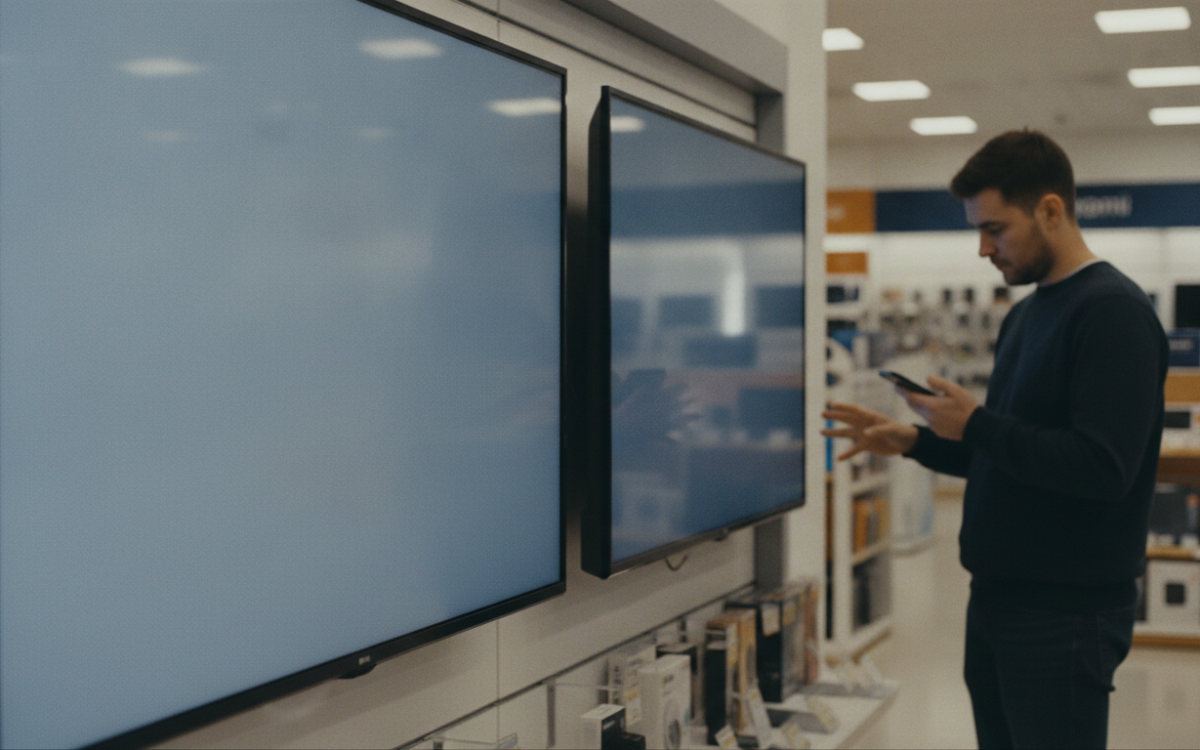
Quick answer: To buy a tv the smart way, set your budget first, measure your space, and pick the right size and screen type. Compare a few models side by side, read owner reviews, and wait for a real sale before you buy a tv.
Key Takeaways
- Measure your room and seating distance before you shop for a TV.
- Screen type and brightness matter more than fancy extra features.
- Compare the same model across a few stores to spot a fair price.
- Read real owner reviews, not just star ratings, to judge quality.
Why does it pay to buy a tv with a plan?
A plan saves you money and stress. When you buy a tv without one, it is easy to overspend. Stores push big screens and shiny features. However, most people do not need every extra. So start with your room, your budget, and how you watch.
Think about what you watch most. Sports fans want smooth motion. Movie lovers want deep color. Gamers want fast response. Your habits point you to the right set.
What should you decide before you buy a tv?
Decide on size, budget, and screen type first. These three choices shape everything else.
- Size: Measure your wall and your seating distance. A set that is too big can feel harsh up close.
- Budget: Pick a range you are happy with. Then stick to it.
- Screen type: Learn the basics so you can compare fairly.
Also think about ports. Count how many devices you plug in. A game console, a soundbar, and a streaming stick all need a spot.
How big should your TV be?
Match the size to your room, not the biggest one on display. A good rule is simple. Sit where you normally watch. Measure that distance. A larger room can handle a larger screen. A small room does better with a modest size. Also, store lighting makes screens look smaller. So a set may feel bigger at home.
What screen features actually matter?
Picture quality matters most, and brightness leads the pack. A bright screen looks great in a sunny room. Contrast also helps. It makes dark scenes look rich, not gray.
Resolution is worth a look too. Higher resolution means a sharper image. Still, you may not notice it on a small set from across the room. Motion handling matters for sports and games. For example, look for smooth, clear movement in fast scenes.
Do not get lost in buzzwords. Many fancy settings add little in real life. Trust your own eyes. If a store lets you, compare two sets side by side.
Smart features and sound
Most new TVs have built in apps. That is handy. But the menus can feel slow on cheaper sets. Also, built in speakers are often weak. A simple soundbar can fix that later. So do not pay extra just for sound you can add cheaply.
How do you judge if a TV is a good deal?
Compare the exact model across a few stores. Prices move around, so one store may beat another. Write down the model number. Then check it in a few places. This tells you what a fair price looks like.
Watch prices over time if you can. Big sale events bring the best drops. However, a low price is not always a steal. A very cheap set may have a dim screen or slow software. Read owner reviews to catch these problems. Look for patterns, not just one angry post.
Also check the return policy before you buy a tv. A fair window lets you test the set at home. If the picture bugs you, you can send it back. For more on smart shopping and avoiding scams, see consumer.ftc.gov.
How can you avoid overpaying when you buy a tv?
Skip add ons you do not need. Extra warranties and cables often cost too much at checkout. You can find cables cheaper elsewhere. Think hard before you say yes.
Beware of last year’s label tricks too. A model may be marked as a big markdown. But the first price may have been set high on purpose. That is why comparing stores helps. The real test is the final price, not the sign.
Here is a simple checklist to buy a tv wisely:
- Set a firm budget and room size first.
- Pick a screen type that fits how you watch.
- Compare the same model in a few places.
- Read owner reviews for repeat complaints.
- Check the return policy before you pay.
When you follow these steps, you buy a tv with confidence. You know what you are paying for. And you avoid the common traps.
One more tip before you buy
Wait if you can. Good deals come around often. If the set you want is not on sale, give it time. Patience is a quiet money saver. So take your time, trust your notes, and shop smart.
Frequently Asked Questions
What size TV should I get for my living room?
Measure the distance from your couch to the wall. A larger room can handle a bigger screen, while a small room suits a modest size. Sit at your normal spot and picture the screen there. Store lighting makes sets look smaller than they will at home.
Is a more expensive TV always better?
No. Price does not always match quality. Some mid range sets have great brightness and color. A pricey set may just add features you will not use. Focus on picture quality and real owner reviews. Compare a few models to see which gives you the most for your money.
When is the best time to buy a tv?
Big sale events usually bring the deepest price drops. Prices also shift during the year, so a set may cost less one week than the next. If your pick is not on sale, wait a bit. Good TV deals come around often, so patience pays off.
Do I need the highest resolution available?
Not always. Higher resolution gives a sharper image, but you may not notice it on a smaller screen or from across the room. Brightness and contrast often matter more for everyday viewing. Judge with your own eyes, and do not overpay for numbers you cannot see.
Should I buy the extended warranty at checkout?
Usually you can skip it. Extended warranties often cost more than they are worth. Check the maker’s standard warranty and your card’s protection first. If you still want extra coverage, compare the price and terms. Do not feel pushed to add it on the spot.
For more, see our Buying Guides picks.
Prices and availability change often. Always check the current price and the full details on the seller’s own page before you buy.